See it on iPhone, iPad, and Mac

Every screenshot is the real app, with made-up sample content. Each one follows your theme, light or dark, and each device has a switch to see the other.

iPhone
1 of 7
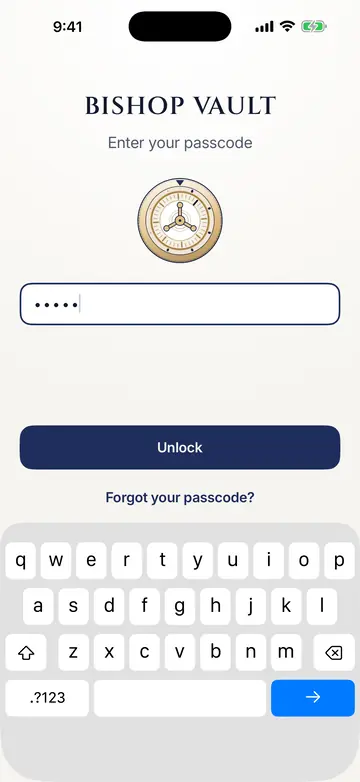
The Bishop Vault unlock screen: the dial above a passcode field with five dots, an Unlock button, and a Forgot your passcode link.The Bishop Vault unlock screen: the dial above a passcode field with five dots, an Unlock button, and a Forgot your passcode link.
Your private photos, behind their own passcode.
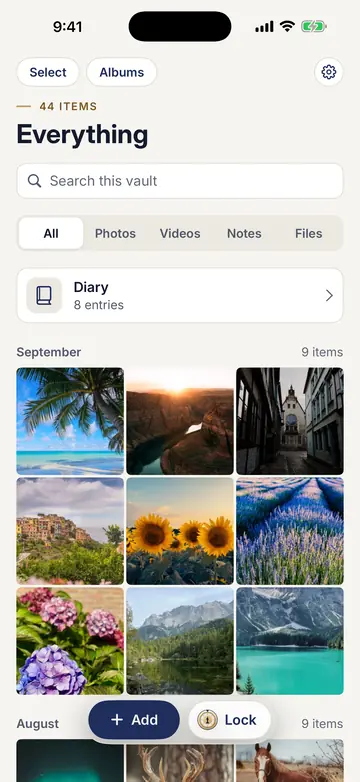
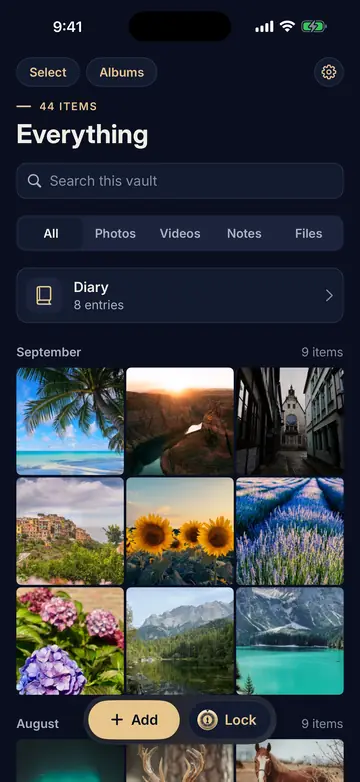
The vault grid, titled Everything, with a Diary row and photos grouped by month.The vault grid, titled Everything, with a Diary row and photos grouped by month.
Encrypted on your device.
The blank cover the app switcher shows: the Bishop Vault dial and name on a plain background.The blank cover the app switcher shows: the Bishop Vault dial and name on a plain background.
Nothing shows in Photos, Files, or the app switcher.
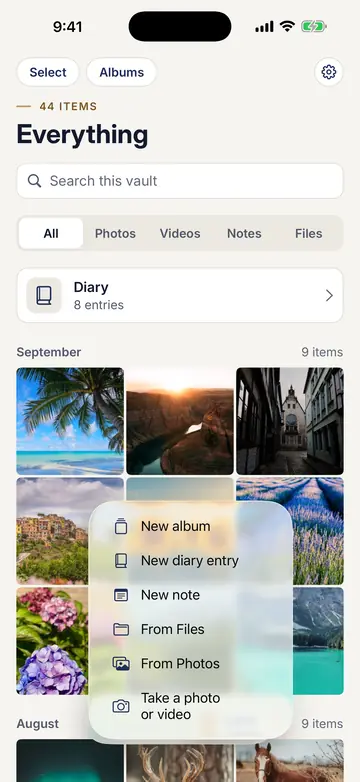
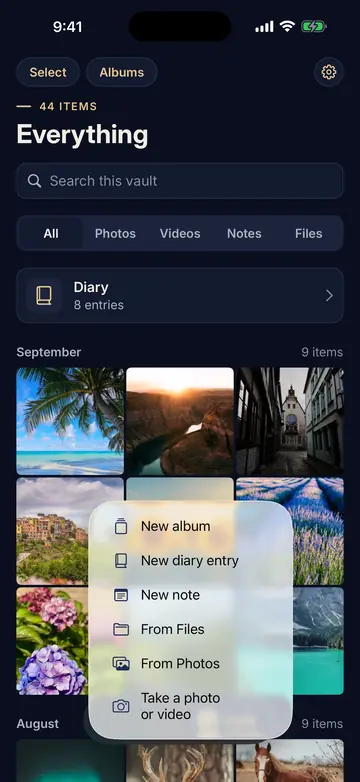
The Add menu open over the vault: New album, New diary entry, New note, From Files, From Photos, and Take a photo or video.The Add menu open over the vault: New album, New diary entry, New note, From Files, From Photos, and Take a photo or video.
Add from Photos, Files, the camera, or a new note.
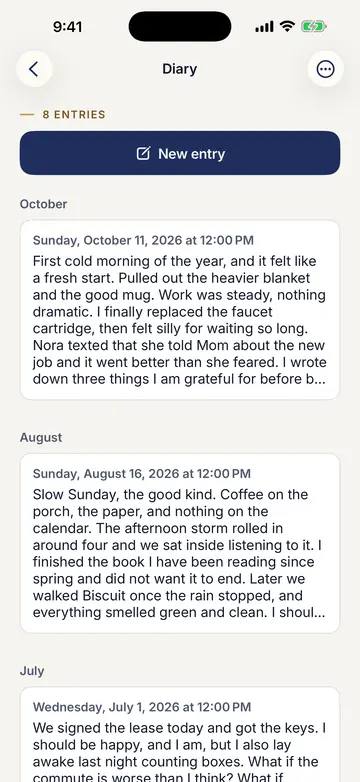
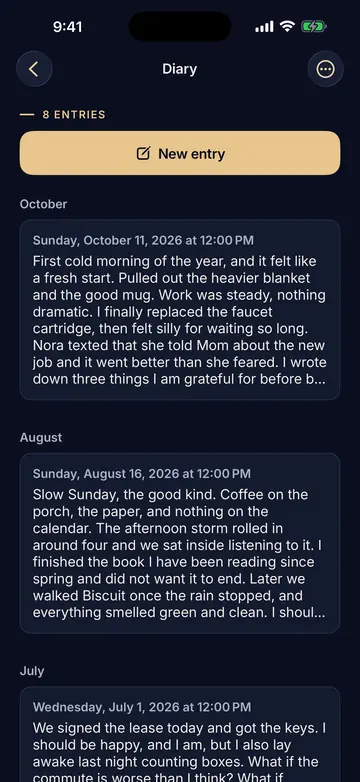
The Diary with 8 entries, a New entry button, and entries dated October, August, and July.The Diary with 8 entries, a New entry button, and entries dated October, August, and July.
A private diary. No reminders, no streaks.
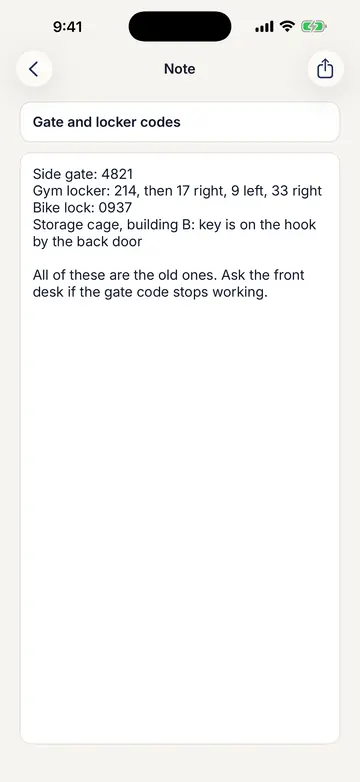
A note titled Gate and locker codes, listing sample gate and locker codes.A note titled Gate and locker codes, listing sample gate and locker codes.
Encrypted notes for codes and combinations.
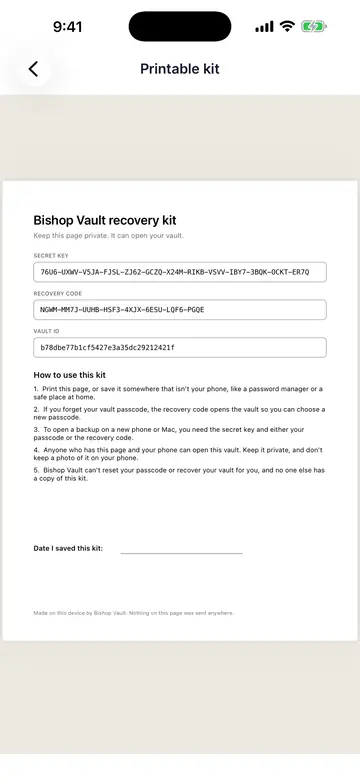
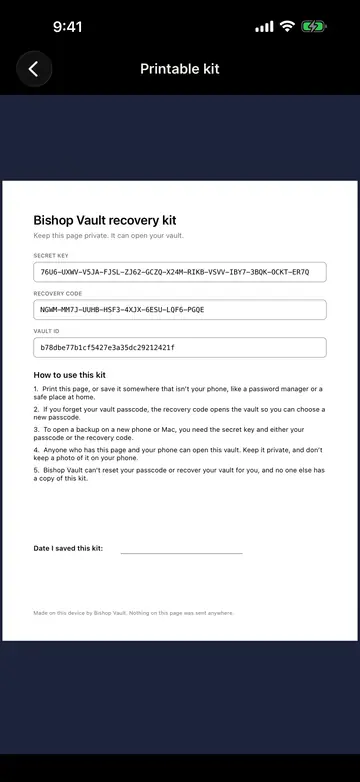
The printable recovery kit preview, with a long key, a recovery code, a vault ID, and steps for using the kit.The printable recovery kit preview, with a long key, a recovery code, a vault ID, and steps for using the kit.
A recovery kit you print and keep.

iPad

1 of 7
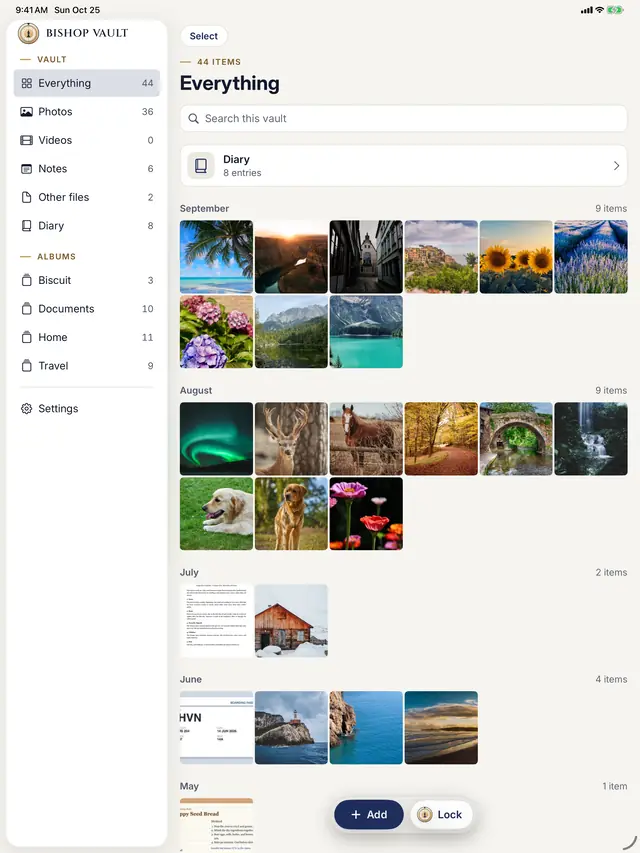
Bishop Vault on iPad: a sidebar listing Everything, Photos, Videos, Notes, Other files, the Diary, and four albums, beside the vault grid.Bishop Vault on iPad: a sidebar listing Everything, Photos, Videos, Notes, Other files, the Diary, and four albums, beside the vault grid.
A sidebar for albums and the diary.
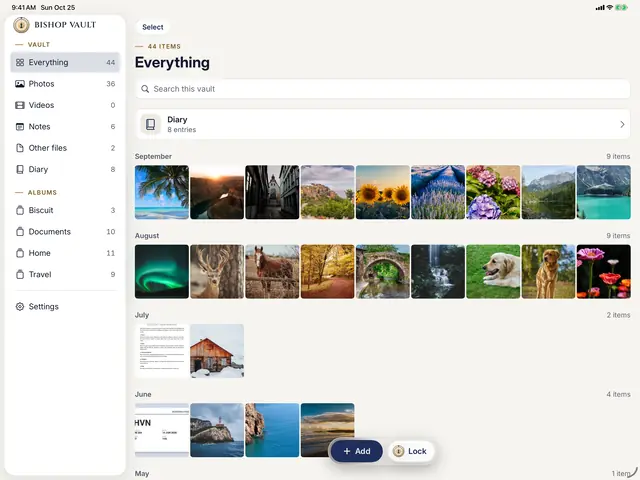
Bishop Vault on iPad held sideways: a sidebar with Everything, Photos, Videos, Notes, Other files, Diary, and albums, beside a grid of photos grouped by month, with Add and Lock buttons.Bishop Vault on iPad held sideways: a sidebar with Everything, Photos, Videos, Notes, Other files, Diary, and albums, beside a grid of photos grouped by month, with Add and Lock buttons.
Held sideways: the sidebar beside every item.
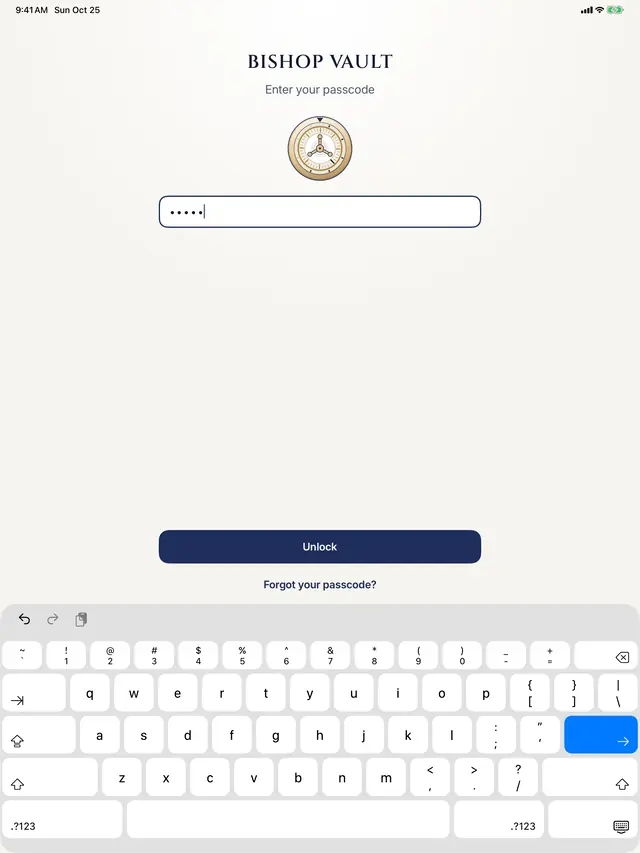
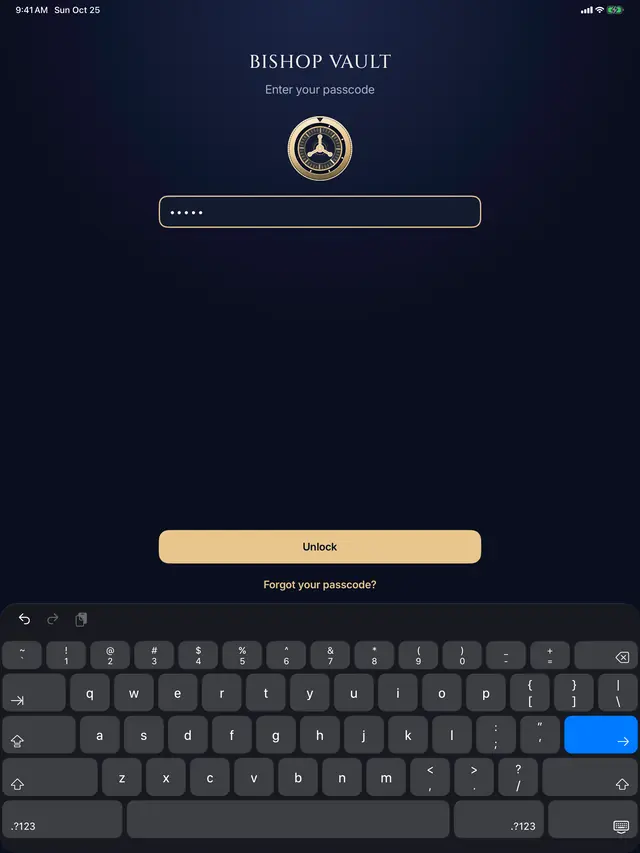
The Bishop Vault unlock screen on iPad: the dial, a passcode field with five dots, an Unlock button, and the keyboard.The Bishop Vault unlock screen on iPad: the dial, a passcode field with five dots, an Unlock button, and the keyboard.
The same dial and passcode on iPad.
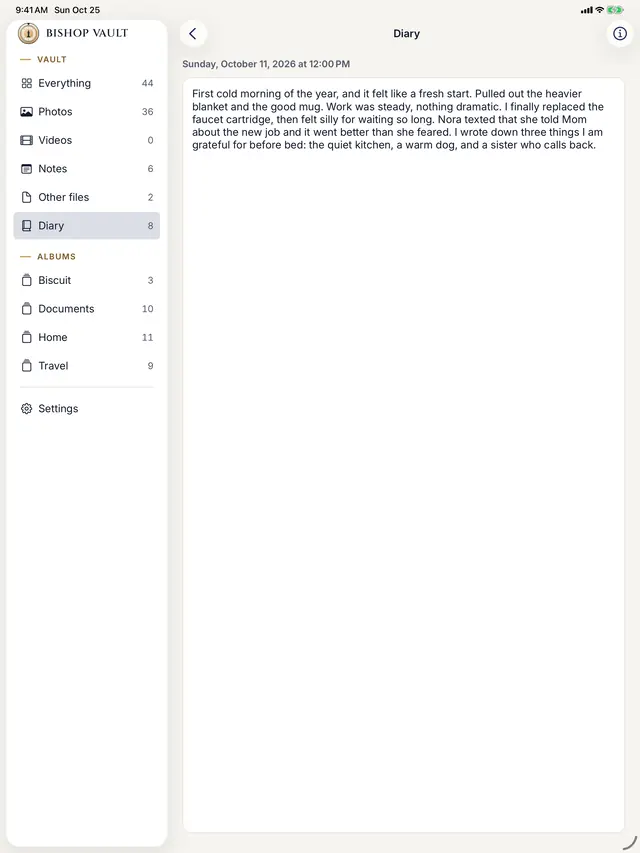
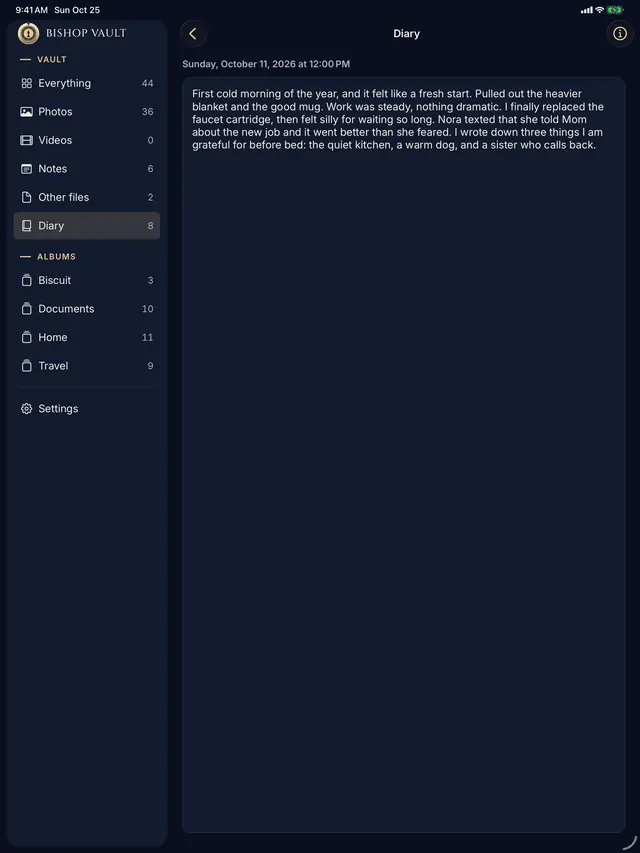
A diary entry dated October 11, 2026 open on iPad, with the Diary selected in the sidebar.A diary entry dated October 11, 2026 open on iPad, with the Diary selected in the sidebar.
A diary entry open.
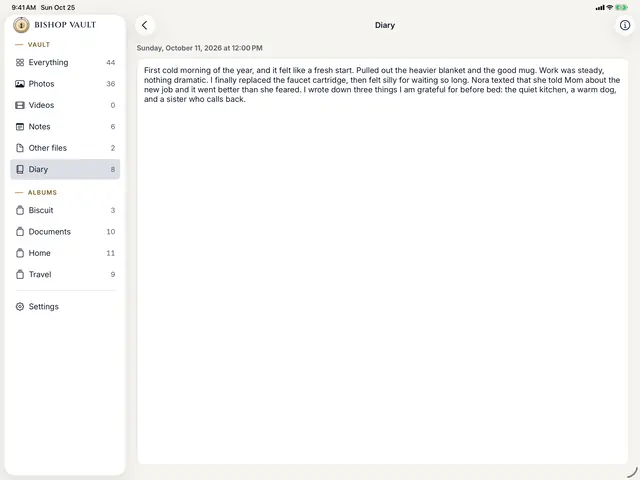
A diary entry dated Sunday, October 11, 2026, open beside the sidebar on iPad held sideways.A diary entry dated Sunday, October 11, 2026, open beside the sidebar on iPad held sideways.
A diary entry, held sideways.
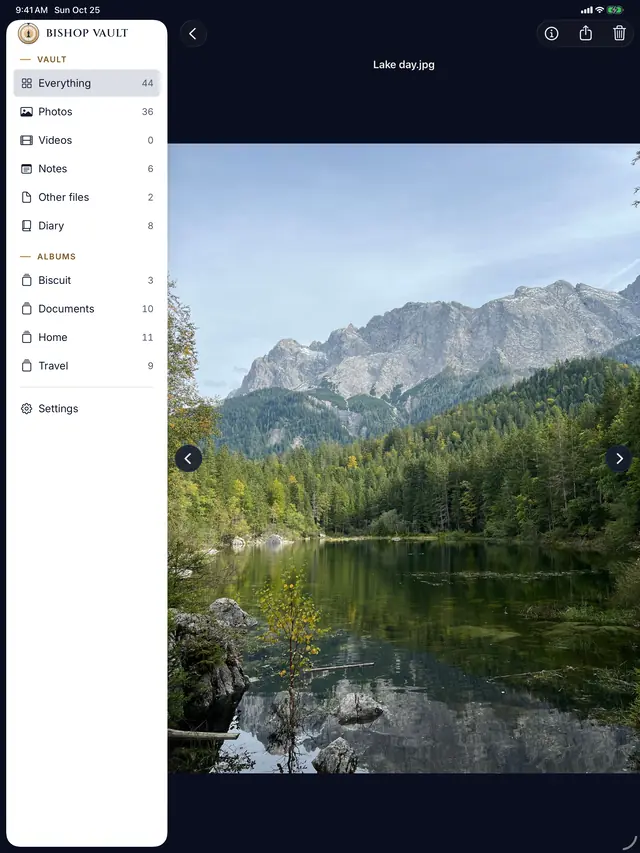
A mountain lake photo open in the viewer on iPad, with the sidebar on the left.A mountain lake photo open in the viewer on iPad, with the sidebar on the left.
The viewer, with a travel photo.
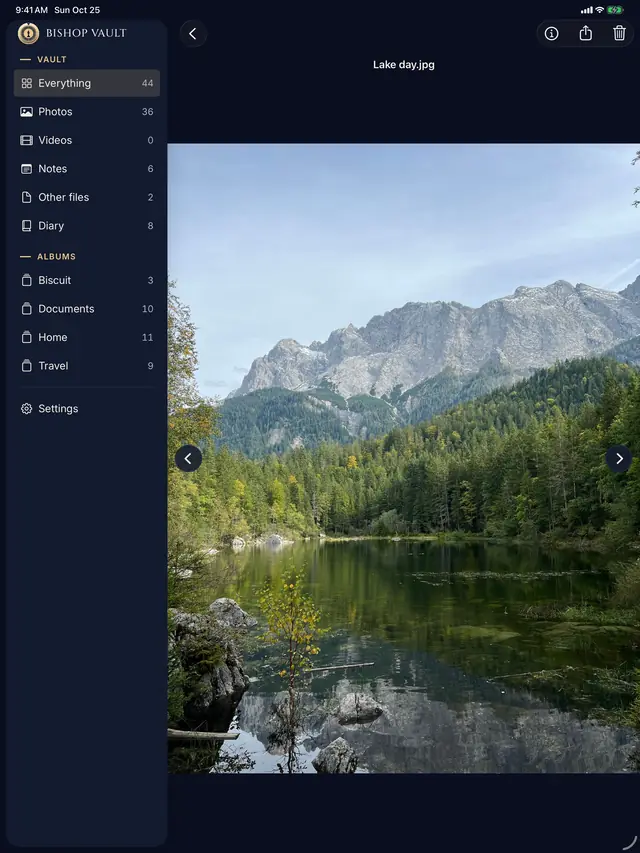
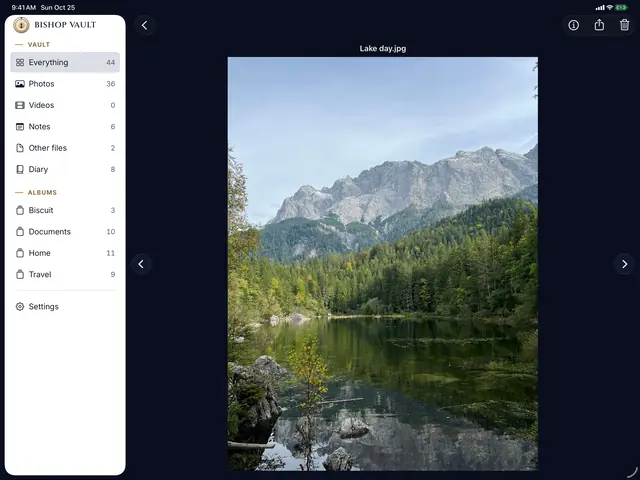
The viewer on iPad held sideways, showing a mountain lake photo beside the sidebar.The viewer on iPad held sideways, showing a mountain lake photo beside the sidebar.
The viewer, held sideways.

Mac

1 of 3
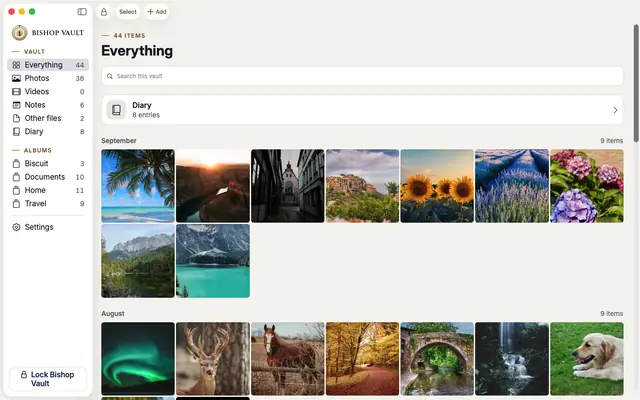
Bishop Vault on Mac: a sidebar of kinds and albums, a Lock Bishop Vault button, and the vault grid titled Everything.Bishop Vault on Mac: a sidebar of kinds and albums, a Lock Bishop Vault button, and the vault grid titled Everything.
A real Mac app, with a sidebar.
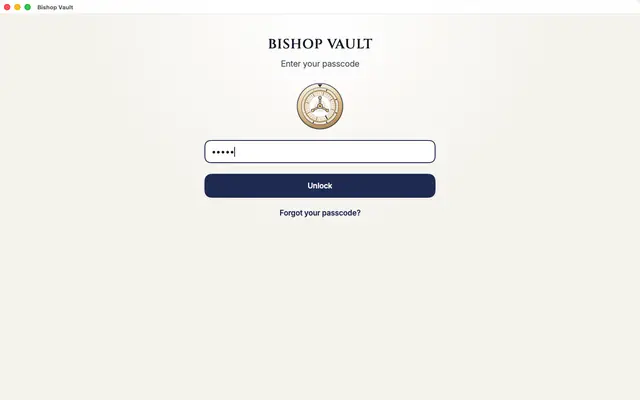
The Bishop Vault unlock window on Mac: the dial, a passcode field with five dots, and an Unlock button.The Bishop Vault unlock window on Mac: the dial, a passcode field with five dots, and an Unlock button.
The unlock window on Mac.
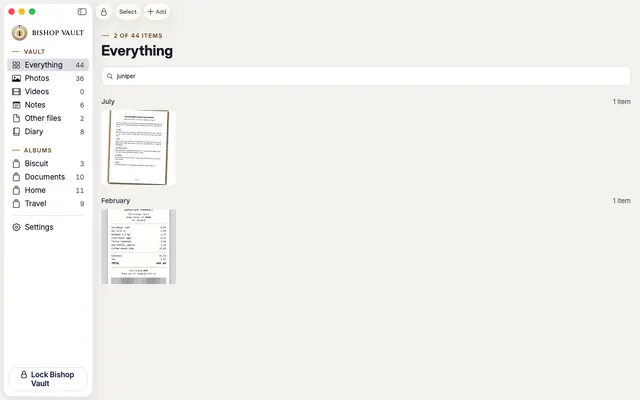
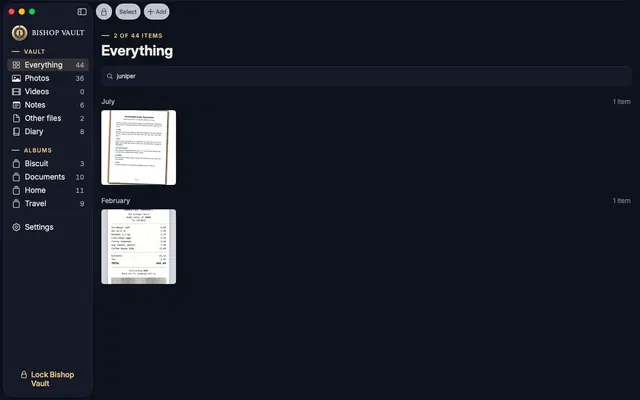
A search for juniper on Mac, with two results: a scanned lease and a scanned receipt.A search for juniper on Mac, with two results: a scanned lease and a scanned receipt.
Search finds the words inside scans.

See every feature

Coming soon to iPhone, iPad, and Mac.